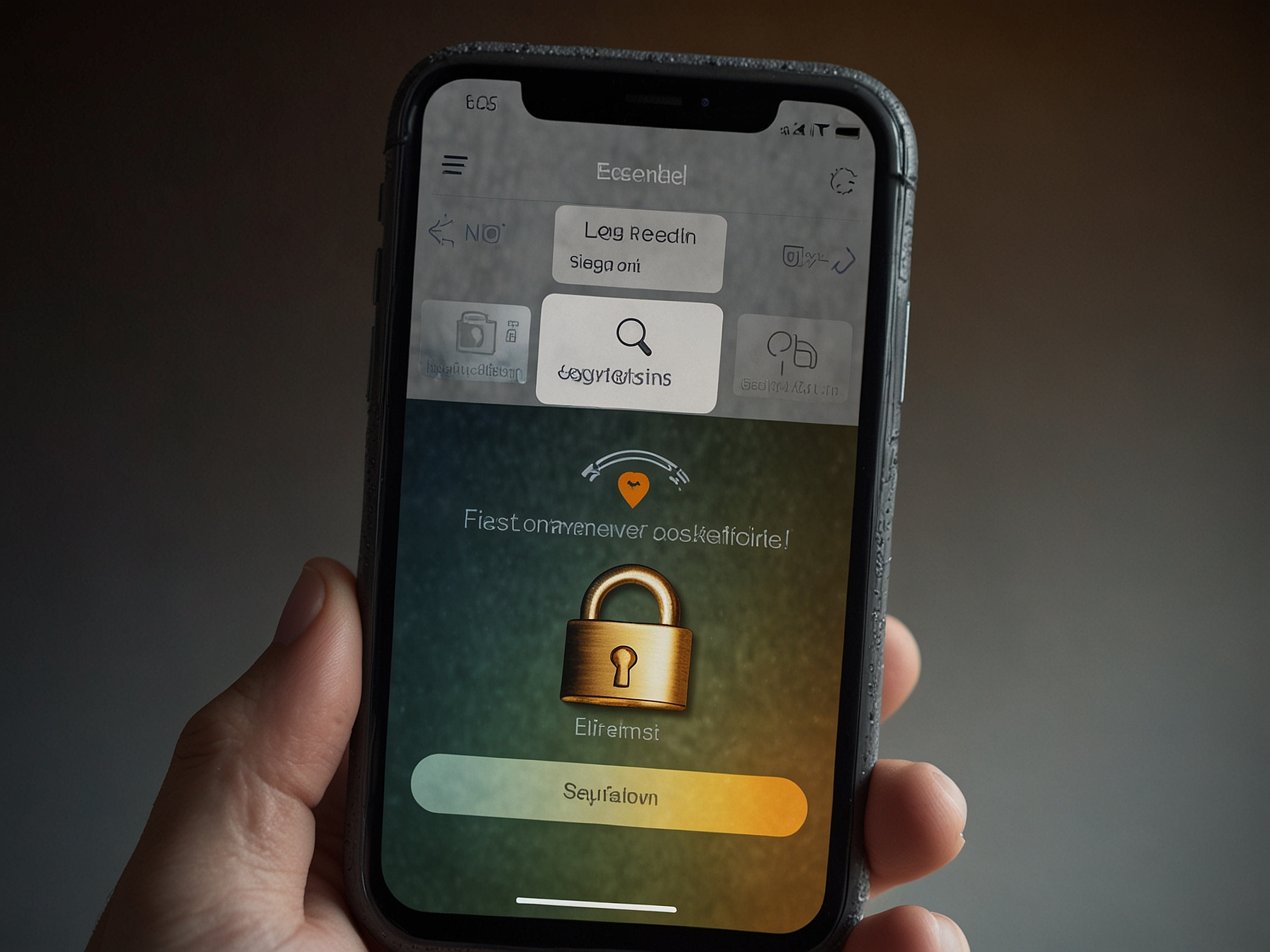
To log in to Elon Casino, visit the official site and click the 'Login' button located in the top navigation. Enter your registered email or username and your password in the respective fields. If you registered using a phone number or social login, choose the appropriate tab and follow the prompts to authenticate.
Make sure to double-check the URL in the address bar to confirm you are on the official elonbet-casino.info site to avoid phishing attempts. Avoid logging in through links that arrive by unsolicited email or messages, and if in doubt, navigate directly from our homepage or use a saved bookmark to access the platform.
Elon Casino encourages enabling two-factor authentication (2FA) where available. 2FA adds an extra layer of security by requiring a one-time code in addition to your password, typically delivered through an authenticator app or SMS. While SMS-based codes are convenient, using an authenticator app is recommended for stronger protection against SIM swap attacks.
In addition to 2FA, use a strong and unique password that mixes letters, numbers, and symbols. Change passwords periodically and avoid reusing credentials from other sites. Do not share your login credentials with anyone and be cautious about using public or shared devices. If you must use a public computer, log out completely and clear the browsing data after your session.
If you cannot log in, first verify that your username or email is correct and that Caps Lock is off. Use the 'Forgot password' link to reset your password if needed. Follow the reset steps promptly and choose a new, strong password you have not used elsewhere.
If password reset emails do not arrive, check spam or promotion folders in your email client. Make sure your email address on file is up to date and accessible. If issues persist, contact Elon Casino support with details of the problem; they will guide you through account recovery steps while ensuring your identity is verified securely.
Treat your Elon Casino account like any important online account. Regularly review account activity and balance statements to detect any unauthorized transactions early. Set deposit limits or session time reminders if you prefer stricter control over your play and fund usage.
Never disclose personally identifiable information or passwords in chat rooms or forums. Elon Casino support representatives will never ask for your password. If you receive suspicious contact requesting credentials, report it immediately and change your account password as a precaution.
Ensure your devices are protected by updated operating systems and reputable security software. Keep your browser updated to the latest version to benefit from modern security patches and HTTPS protections. Avoid using unsecured public Wi-Fi networks to log in; if unavoidable, use a trusted VPN service to encrypt your connection.
Mobile devices should have screen locks enabled and a trusted app store only for downloads. Uninstall unused apps, and be wary of unofficial Elon Casino downloads from third-party websites. Always prefer official links and the Elon Casino app page when installing mobile software.
Read full security guidelines and account recovery steps. Visit our help center for detailed walkthroughs and tips.
Contact support immediately if you detect unauthorized account activity, if you cannot regain access with standard recovery, or if important account details have changed unexpectedly. Provide as much information as possible to help verification, such as recent deposit amounts, typical login locations, and the last successful login time.
Support will provide secure verification steps and advise any temporary measures like changing passwords or enabling 2FA. They can also guide you through withdrawal holds or identity checks when necessary to protect your funds and restore full access.
Use the 'Forgot password' link on the login page to receive a reset email. If you do not receive the email, check spam folders and ensure your registered email is correct, or contact support for additional help.
Go to account settings and enable 2FA using an authenticator app or SMS where available. Follow the setup prompts and store recovery codes safely.
Report them immediately to support and change your password. Elon Casino support will investigate and advise on next steps, including temporary account holds if needed.
Yes, logging in over secure mobile networks is generally safe. Avoid public Wi-Fi or use a trusted VPN to encrypt your connection when accessing your account in public places.